Web Annotator - Webpage Highlight Notes
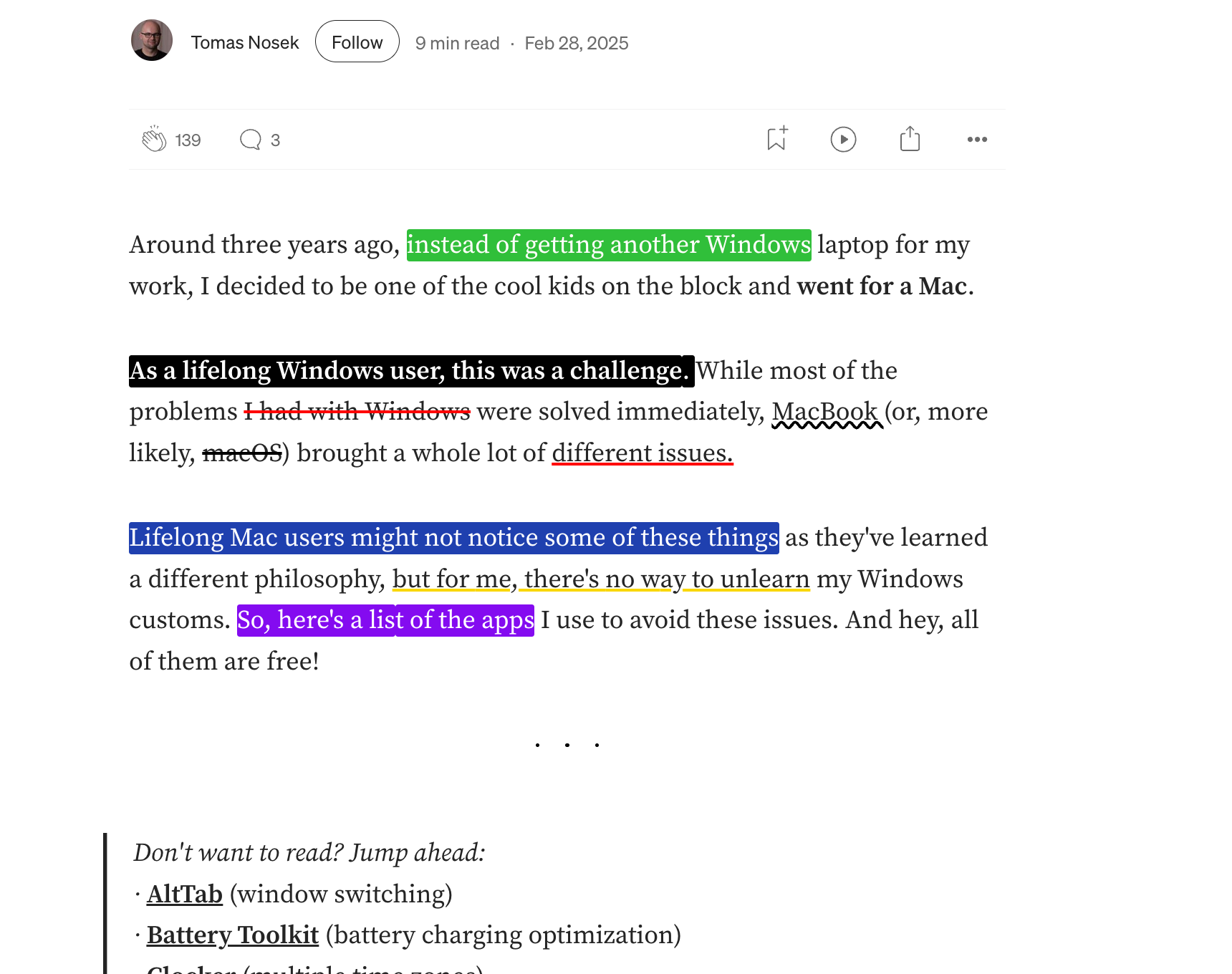
The best free Chrome extension for website annotation, highlighting, and text marking.
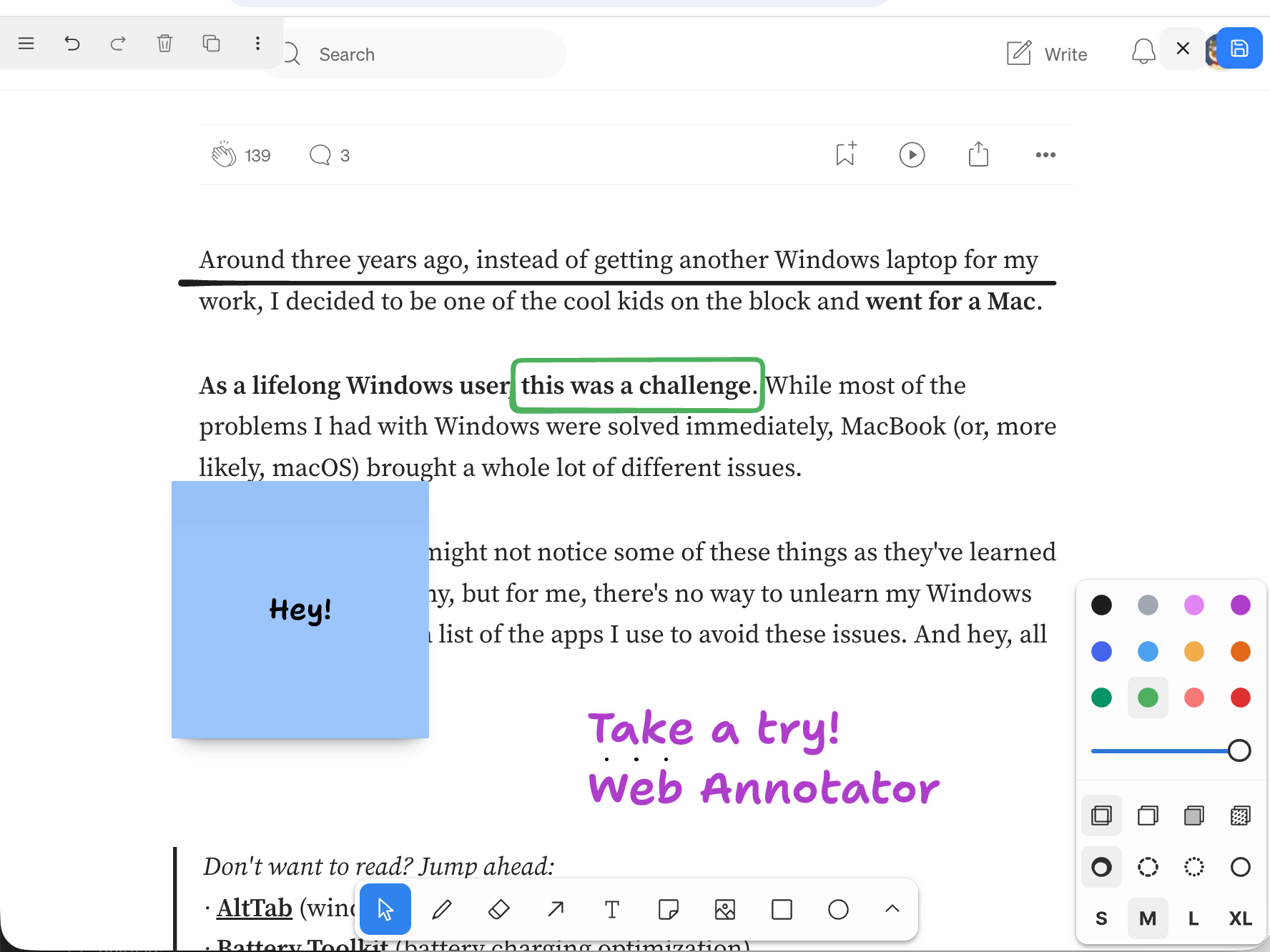
• Add notes and sticky notes on any webpage
• Draw directly on webpages and save as notes
• Built-in tools to make all text and images selectable on top layer
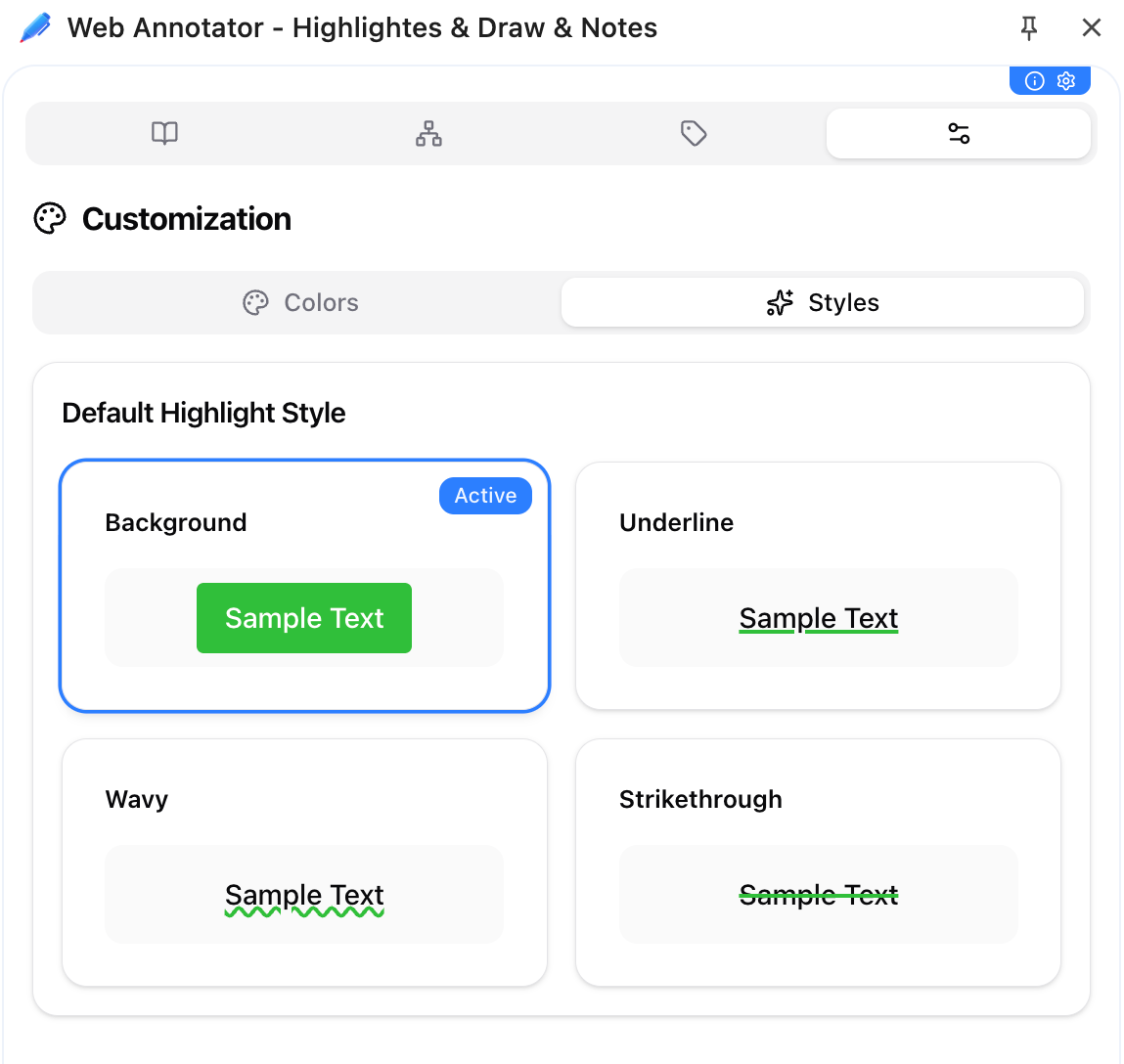
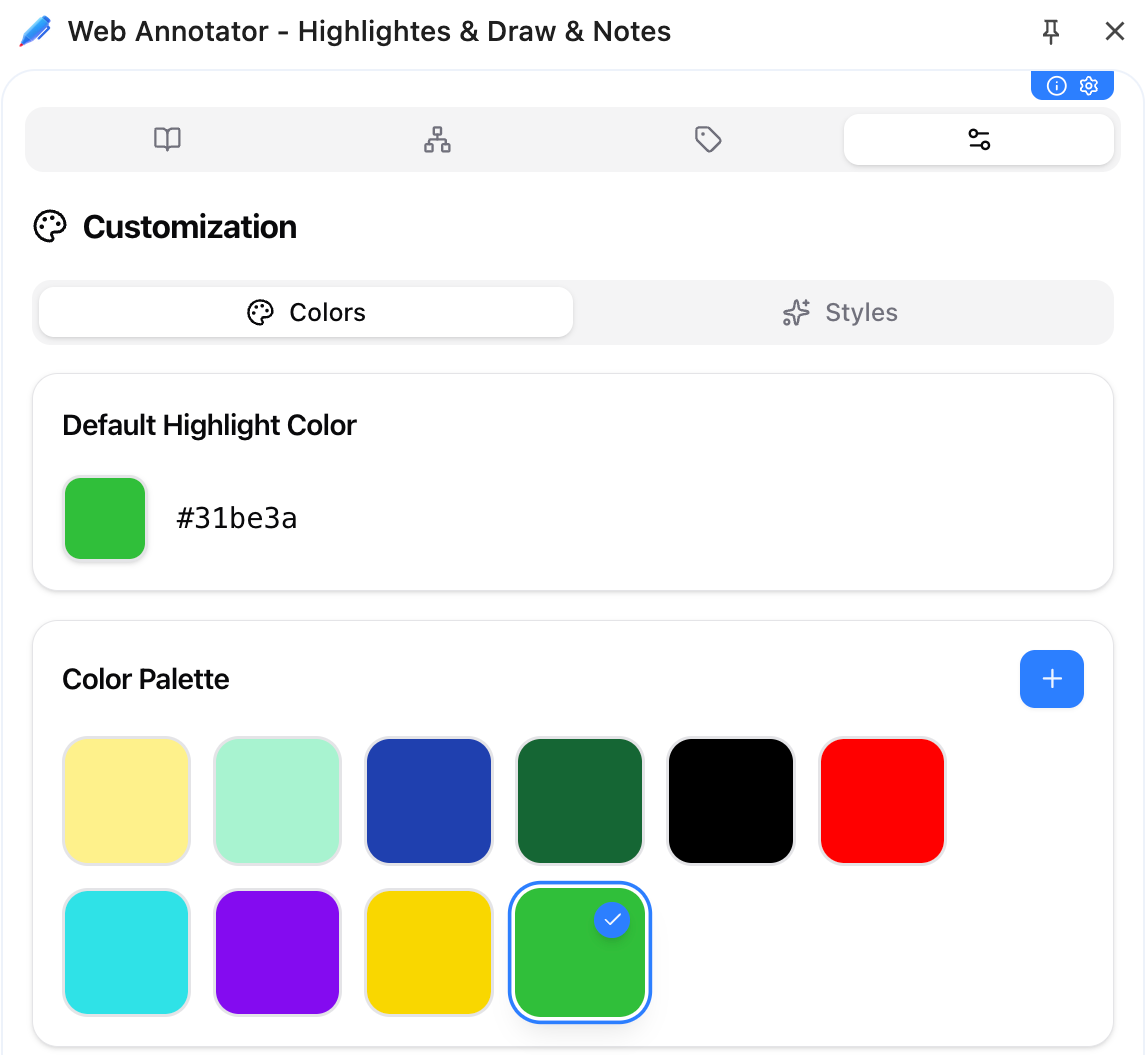
• Customize tags, colors, and styles for notes
• View notes in a tree structure by websites and paths
• All notes automatically save webpage snapshots
• Supports one-click import/export and WebDAV sync



[ Please ignore this card if your app was installed from Web Store ]
For local downloads: Enable "Developer mode" in Chrome extensions page, then drag and drop the downloaded zip file to install.
Tips: You should directly overwrite the old version when installing a new version of the extension locally. Be sure not to uninstall the old version, or you will lose your data! (Unless you've already exported your data as a backup.)